
You rent an apartment. You want security cameras. But every guide recommends Ring doorbells that require drilling into doors you don't own, or Arlo systems that need wall mounts you can't install.
“I live in an apartment complex (rent) and can't modify the door/wall. No modification to wall/door required.”
Here's what nobody mentions: the most renter-friendly security camera is software, not hardware. SpyCam turns your Mac into a motion-activated security camera with zero installation. No drilling. No landlord approval. No hardware that stays behind when you move.
Q:What is the best security camera for apartments?
A: For renters, SpyCam ($14.99/year) turns your existing Mac into a motion-activated security camera with zero installation - no drilling, no landlord approval, and it moves with you. For hardware options, Eufy Indoor Cam ($39) and Arlo Essential ($99) offer wireless, tripod-mountable alternatives that don't require permanent installation.
- 1.Best for renters: SpyCam - zero installation, uses your Mac
- 2.Most portable: Eufy Indoor Cam - battery option, no wires
- 3.Best video quality: Arlo Essential - 2K wireless
- 4.Most private: SpyCam - 100% offline, no cloud required
- 5.Moves with you: SpyCam and portable hardware cameras
Why apartment security is different
Renters face constraints that homeowners don't. You can't drill into walls. You need landlord approval for permanent modifications. And when you move - which apartment dwellers do more often - any installed hardware becomes a problem.
The drilling problem
Most security camera guides assume you can mount cameras permanently. Ring doorbells replace your existing doorbell - which you don't own. Arlo Pro cameras include wall mounts - which leave holes. Even "wireless" cameras often need a wired base station.
For renters, every screw hole is a potential security deposit deduction. Every modification needs landlord approval you may not get.
The moving problem
The average renter moves every 2-3 years. That Ring doorbell you installed? You need to remove it, patch the holes, and reinstall it at your new place - assuming the new door is compatible. Hardwired systems are essentially abandoned investments.
Software solves this. SpyCam is an app on your Mac. When you move, your Mac moves with you. Setup at the new apartment takes 30 seconds.
Privacy in shared buildings
“We are big on privacy and want a system that doesn't sell our data, something small and unassuming that records on loop and has a motion detector.”
Apartment dwellers often share WiFi networks, hallways, and walls with neighbors. Cloud-connected cameras send footage through servers you don't control. In shared network environments, this introduces risk.
SpyCam operates 100% offline. Recordings save locally to your Mac or sync through your own iCloud - never touching third-party servers. Even if your building's WiFi is compromised, your footage stays private.
Hardware vs software cameras for apartments
| Factor | Software (SpyCam) | Hardware (Eufy/Arlo/Ring) |
|---|---|---|
| Installation | ✓ None - download an app | ◐ Varies - some need mounting |
| Drilling required | ✗ No | ◐ Often yes for optimal placement |
| Landlord approval | ✗ Not needed | ◐ May be required |
| Moves with you | ✓ Yes - it's your Mac | ◐ Partial - must uninstall/reinstall |
| Upfront cost | $0 (uses existing Mac) | $39-$199 per camera |
| Ongoing cost | $14.99/year | $0-$100/year for cloud |
| Privacy | ✓ 100% offline option | ◐ Most require cloud |
| Video quality | Up to 4K (depends on camera) | 1080p-2K typical |
| Night vision | ✗ No | ✓ Yes |
| Multiple angles | One camera at a time | ✓ Multiple cameras |
The no-installation alternative: SpyCam
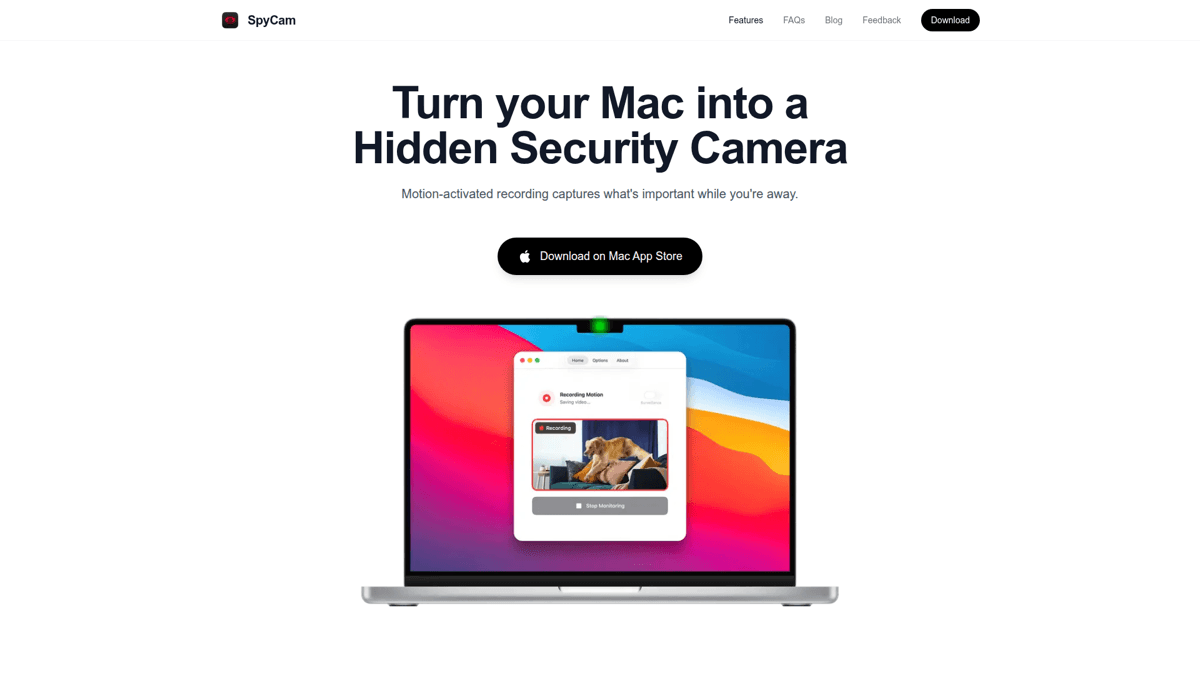
SpyCam approaches apartment security differently. Instead of adding hardware to a space you don't own, it uses equipment you already have: your Mac.
A MacBook on a bookshelf or a Mac mini on a desk doesn't look like a security camera. It doesn't require installation. And when your lease ends, you pack it up like any other possession.
Surveillance Mode: auto-arms when you leave
The killer feature for apartment dwellers: Surveillance Mode. When you lock your Mac screen or close the lid, SpyCam automatically starts recording. When you return and unlock, it stops.
No app to open. No record button to press. Lock your screen, walk out to work, and your apartment is monitored until you return. This is the "set and forget" security that hardware cameras promise but require setup to achieve.
Privacy-first storage
SpyCam offers two storage options:
- Photos app: Recordings sync via iCloud to your iPhone - viewable anywhere, using your existing Apple ecosystem
- Local folder: Save to any folder on your Mac - complete offline operation, zero cloud involvement
Either way, no footage goes to third-party servers. No monthly subscription to access your own recordings. No concerns about who else might have access.
Download SpyCam
Get SpyCam from the Mac App Store. Choose monthly ($2.99), yearly ($14.99), or lifetime ($44.99).
Position your Mac
Place your Mac where it has a view of the entry area or main room. A bookshelf, desk, or console table works well.
Enable Surveillance Mode
Turn on Surveillance Mode in settings. SpyCam will now auto-arm whenever you lock your screen.
Choose storage
Select Photos app for iCloud sync to your phone, or a local folder for complete offline operation.
Pick a stealth icon (optional)
Change the menu bar icon to something inconspicuous - coffee cup, leaf, or turtle blend right in.
How to set up SpyCam in your apartment (5 minutes)
Our Verdict
🏠SpyCam
The ideal apartment security camera for Mac owners. Zero installation, moves with you, privacy-first design.
Best for: Renters who can't or won't install permanent hardware
Strengths
- +Zero installation - download and go
- +No landlord approval needed
- +Moves with you when you change apartments
- +Surveillance Mode auto-arms when you leave
- +100% offline operation available
- +No subscription required for basic features
- +Doesn't look like a security camera
Weaknesses
- −Requires a Mac
- −No night vision enhancement
- −One camera view at a time
- −macOS 13+ required
Best hardware cameras for apartments
Not everyone has a spare Mac. Here are hardware options that work reasonably well for renters - though all require some compromise.
Eufy Indoor Cam - Best budget option
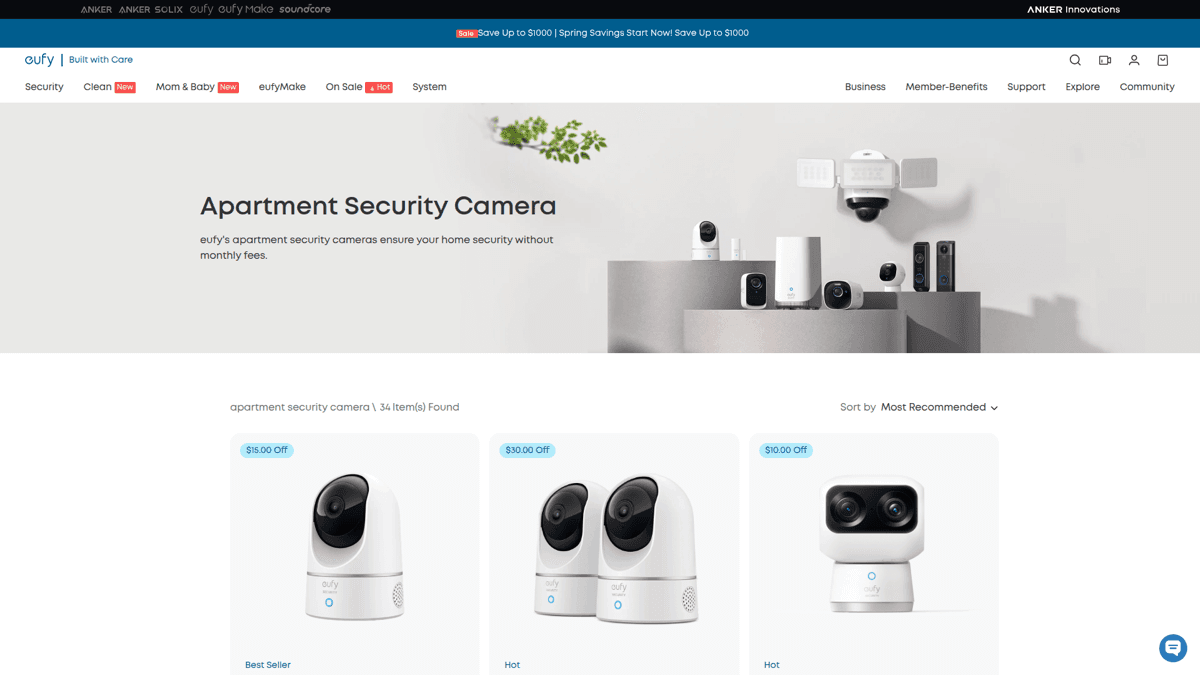
The Eufy Indoor Cam 2K ($39) is one of the more renter-friendly hardware options. It's small, can sit on a shelf or table without mounting, and offers local storage via microSD card.
The catch: optimal placement often requires mounting (which needs screws), and the pan-tilt model needs a power cable run somewhere. Still, it's usable without permanent installation.
Our Verdict
📷Eufy Indoor Cam 2K
Budget-friendly with local storage. Can work without mounting, but placement options are limited.
Best for: Renters who want hardware but can't drill
Strengths
- +Affordable ($39)
- +2K resolution
- +Local storage (microSD)
- +Can sit on shelf/table
- +Night vision
Weaknesses
- −Optimal placement needs mounting
- −Power cable required
- −Cloud needed for some features
- −Stays behind when you move (or reinstall hassle)
Arlo Essential - Best wireless option
The Arlo Essential Indoor Camera ($99) offers true wireless operation with battery power. This eliminates cable management - just place it anywhere with a view.
The downside: battery needs charging every few months, and full features require Arlo's cloud subscription ($12.99/month for unlimited cameras). Without the subscription, you only get live view and basic alerts.
Our Verdict
🔋Arlo Essential Indoor
True wireless flexibility, but cloud subscription adds ongoing cost.
Best for: Renters who need wire-free placement
Strengths
- +Fully wireless (battery)
- +2K resolution
- +Easy repositioning
- +Good mobile app
- +Night vision
Weaknesses
- −Battery requires periodic charging
- −Subscription needed for full features ($13/month)
- −Camera hardware cost ($99)
- −Cloud-dependent
⚠️ Ring doorbell cameras require installation
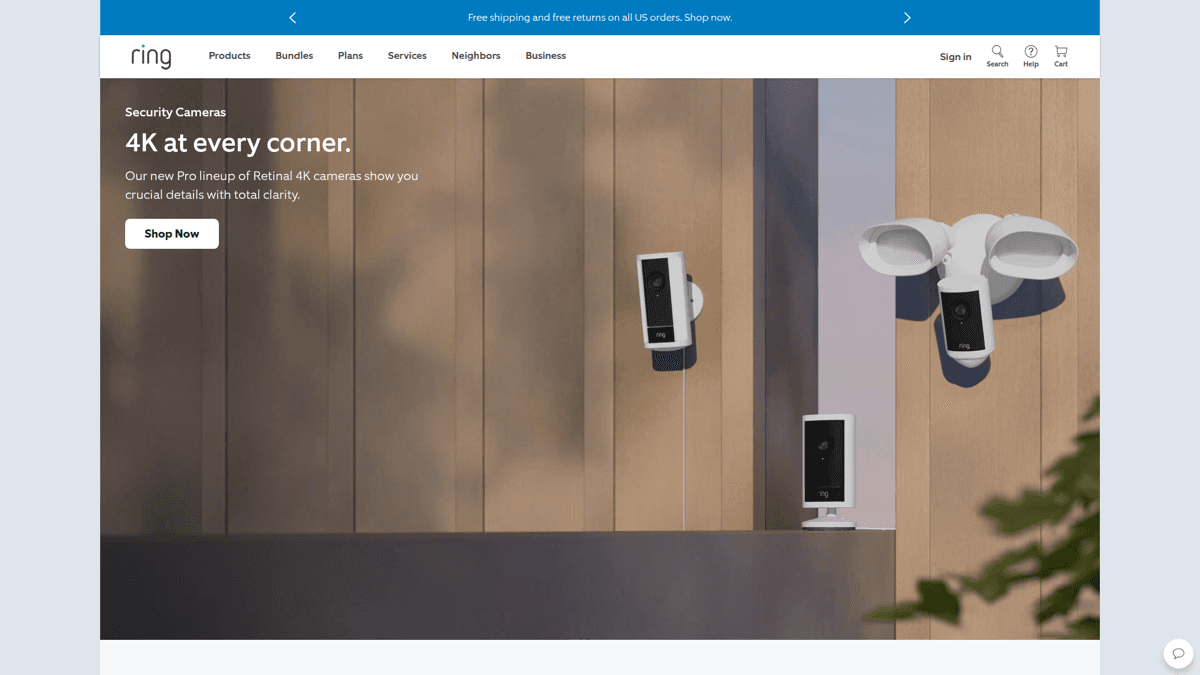
Ring Video Doorbells are popular but require replacing your existing doorbell - something most renters can't do without landlord approval. They're not recommended for apartments unless you own the unit.
3-year cost comparison
Security cameras have ongoing costs that add up. Here's what you'd actually spend over three years in an apartment:
| Cost Factor | SpyCam | Eufy Indoor | Arlo Essential |
|---|---|---|---|
| Hardware | $0 (uses Mac) | $39 | $99 |
| Year 1 subscription | $14.99 | $0 | $155.88 |
| Year 2 subscription | $14.99 | $0 | $155.88 |
| Year 3 subscription | $14.99 | $0 | $155.88 |
| Total 3-year cost | $44.97 | $39 | $566.64 |
| Per-month equivalent | $1.25 | $1.08 | $15.74 |
SpyCam's $44.99 lifetime option makes the math even better - one payment, security for as long as you own a Mac.
Apartment security camera laws for tenants
Recording in your own rental unit is generally legal. But apartments have unique considerations.
Recording inside your unit
You can record video inside your own apartment in all US states. This covers your living room, bedroom (your own), kitchen, and any private spaces within your rental.
Common areas and hallways
Recording common areas (hallways, parking lots, building entrances) is trickier. These are shared spaces where other tenants have reasonable privacy expectations. Generally:
- Your front door (from inside): Usually fine - you're recording your own doorway
- Hallway from your door: Gray area - may capture other tenants
- Building common areas: Not your space to monitor
SpyCam's indoor positioning (Mac inside your apartment) naturally avoids these concerns - you're only recording your own space.
Audio recording considerations
Audio recording laws vary by state. One-party consent states (most states) allow recording if you're present or have set up the recording in your own home. Two-party consent states (California, Florida, Illinois, etc.) require all parties to know they're being recorded.
🔒 Check your state's recording laws
This is not legal advice. Audio recording laws vary significantly by state. In two-party consent states, recording guests or service workers without notification may violate wiretapping laws. Consult a local attorney if unsure.
Apartment camera placement tips
Entry point coverage
The most important view is your front door. Position your Mac or camera where it captures anyone entering. A bookshelf or console table across from the entry works well.
Window coverage (ground floor)
Ground-floor apartments have additional vulnerability through windows. If you have accessible windows, consider angling coverage toward them - though this may require a second camera or strategic Mac placement.
What NOT to record
- Roommate spaces: Their bedroom is their private area
- Bathrooms: Never - this is illegal everywhere
- Neighbor windows: Even accidentally capturing a neighbor's window can create issues
Checking in when you're away
One limitation of SpyCam: it records to your Mac, not a cloud server. To check footage remotely, you use iCloud Photos sync - recordings appear on your iPhone within minutes.
Need live remote viewing?
SpyCam records locally with optional iCloud sync. For real-time remote viewing from your iPhone, check out Homy - same developer, same privacy philosophy, designed for mobile monitoring.
Get Homy for iOSSummary
Apartment security shouldn't require drilling holes, seeking landlord approval, or leaving expensive hardware behind when you move. For Mac owners, SpyCam solves all three problems:
- Zero installation - download an app, not a drill
- No landlord approval - it's your computer
- Moves with you - Mac goes where you go
- Surveillance Mode - auto-arms when you lock the screen
- Privacy-first - 100% offline operation available
At $14.99/year (or $44.99 lifetime), it's also the cheapest option over time - using equipment you already own instead of adding another device to your life.
For renters without a spare Mac, Eufy's Indoor Cam offers the best balance of price and renter-friendliness. Just know you'll be compromising on placement flexibility and adding hardware that complicates your next move.