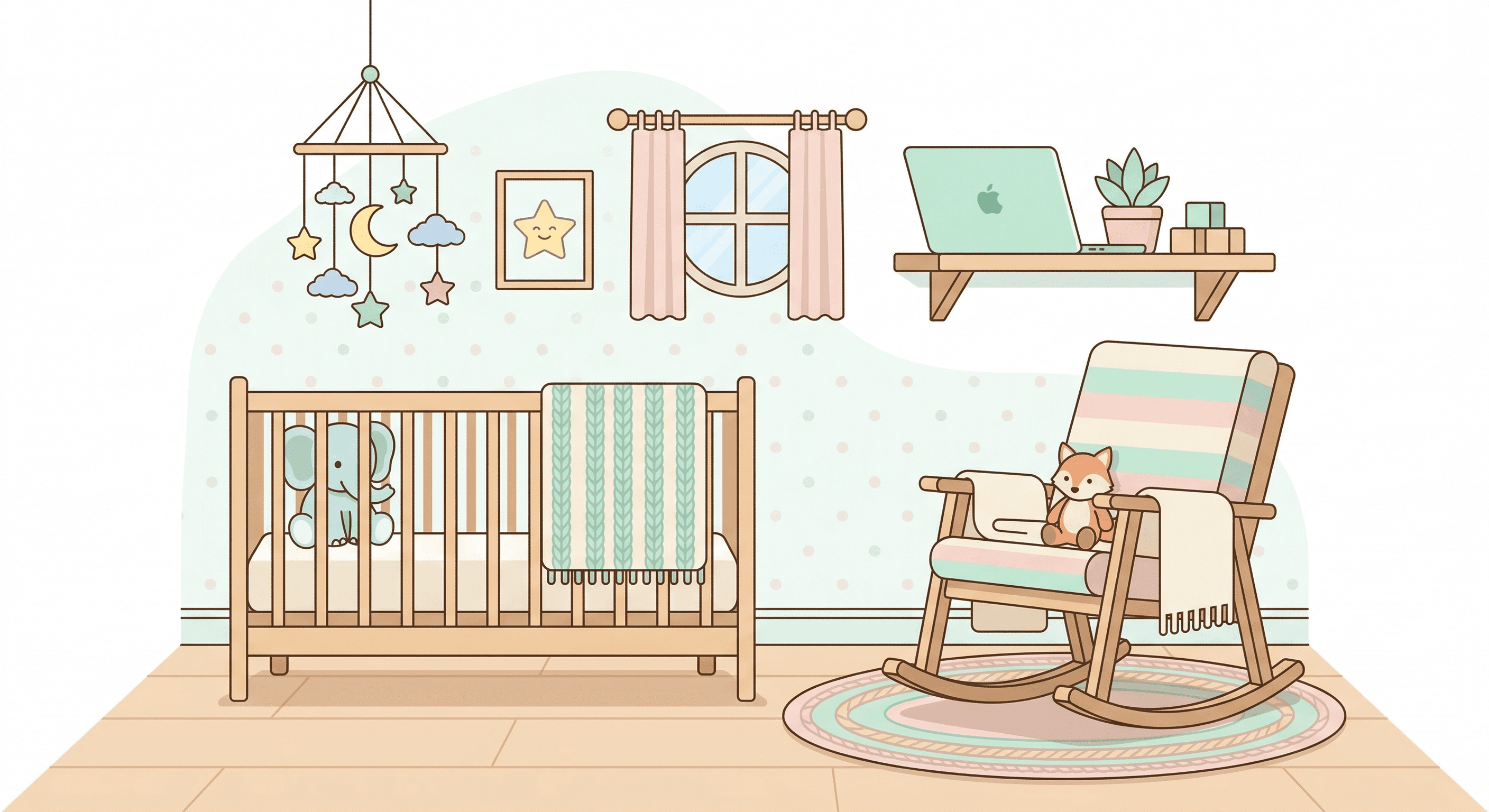
You're hiring a nanny for the first time. The thought keeps you up at night: "What happens when I'm not there?"
“Let's be honest, I'm terrified they may hurt my bundle of joy”
So you search for nanny cams. But then you read about WiFi cameras getting hacked. Strangers watching your baby's room through the same camera meant to protect them. The solution becomes the problem.
Here's what nobody tells you: the best nanny cam isn't a suspicious gadget from Amazon - it's your Mac. Software like SpyCam turns your computer into a motion-activated nanny cam that works completely offline. Zero cloud servers means zero hacking risk.
Q:What is the best nanny cam in 2026?
A: For Mac users, SpyCam ($14.99/year) turns your existing Mac into a motion-activated nanny cam with superior audio quality and zero hacking risk - it works completely offline. For dedicated hardware, the Vidcastive 4K Mini ($52) offers the best balance of features and discretion. Avoid cheap WiFi cameras that require cloud connections.
- 1.Most secure: SpyCam on Mac - 100% offline operation, unhackable
- 2.Best audio: Mac's built-in microphone beats all spy camera mics
- 3.Best portable hardware: Vidcastive 4K Mini ($52)
- 4.Most discreet hardware: OKSIR USB Charger Camera ($49)
- 5.Zero hardware cost: SpyCam uses your existing Mac
What makes a good nanny cam in 2026?
Before diving into recommendations, let's address what actually matters when monitoring childcare.
The security paradox: cameras that can be hacked
“I've read too many horror stories about creepers hacking cameras”
This fear is justified. WiFi nanny cams that connect to cloud servers have been compromised. The very device meant to protect your child becomes a window for strangers. The only way to eliminate this risk completely: use a camera that never connects to the internet.
SpyCam operates 100% offline. Recordings save locally to your Mac or sync through your own iCloud account - never touching third-party servers. There's nothing to hack.
Audio quality matters more than you think
Most parents focus on video resolution. But when reviewing nanny cam footage, you'll want to hear what's being said. Cheap spy cameras use $0.50 microphones that produce crackling, unintelligible audio.
Your Mac's built-in microphone was designed for FaceTime calls - crystal-clear voice capture. It's the same quality you'd use for a work meeting, now capturing everything in your nursery.
Hidden vs obvious: the ethical consideration
“I may just say 'there are cameras in the home' and not say anything else so they don't know what's not covered”
Some parents want fully hidden cameras. Others prefer to tell their nanny about monitoring. The legal and ethical implications vary by location (more on that below). But here's the key insight: a Mac on a shelf doesn't look like a nanny cam. No suspicious gadgets. Just a computer that happens to be there.
Best nanny cam overall: SpyCam (software)
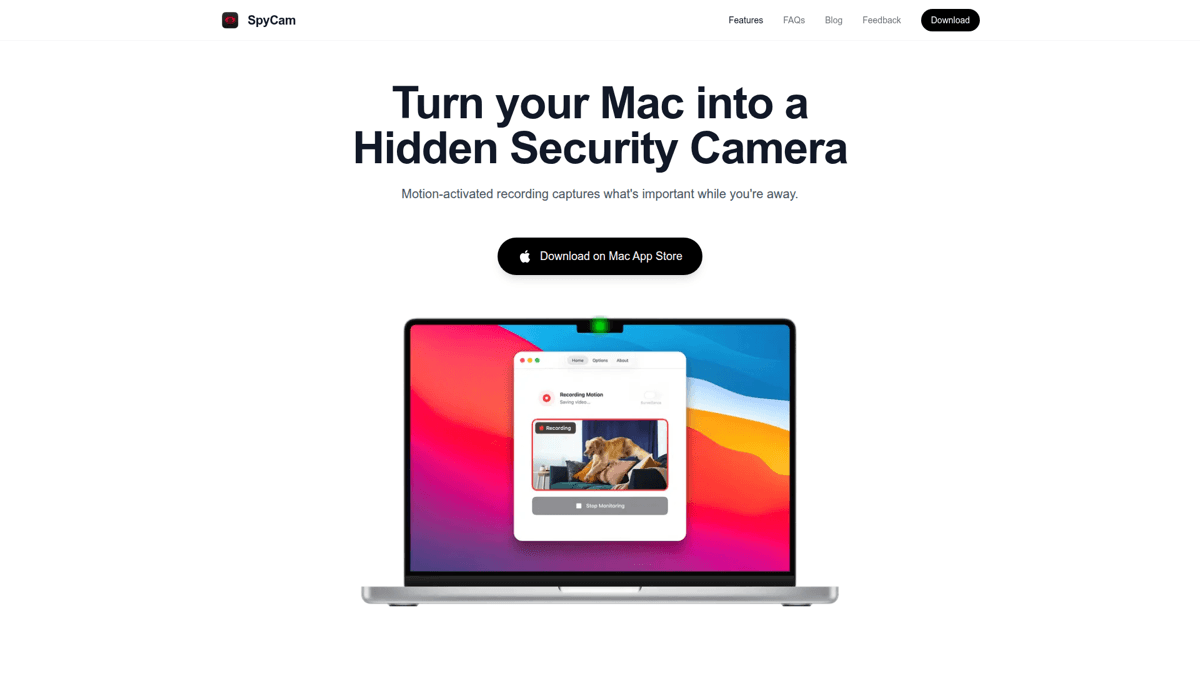
SpyCam transforms your Mac into the ultimate nanny cam. The premise is simple: you already own a device with a high-quality camera and microphone. Why buy suspicious hardware when your MacBook or Mac mini is already in the room?
Why your Mac is already the perfect nanny cam
Think about it: a Mac on a bookshelf in the living room raises zero suspicion. No visible lens, no blinking LED, no "found the hidden camera" moment. The 30+ customizable menu bar icons (turtle, coffee cup, leaf) ensure even someone looking at the screen won't notice it's recording.
And because Mac's microphone was built for voice capture, you get audio quality that no $50 spy camera can match. Conversations across the room come through clearly - not as crackling static.
Surveillance Mode: auto-arms when you leave
Here's the killer feature for parents: Surveillance Mode. When you lock your Mac screen or close the laptop lid, SpyCam automatically starts recording. When you return and unlock, it stops.
You don't need to remember to turn it on. You don't need to open an app or press record before the nanny arrives. Lock your screen, walk out the door, and monitoring begins. This is the nanny cam behavior parents actually need.
Viewing recordings remotely
SpyCam can save recordings to your Photos app, which syncs via iCloud to your iPhone. Check footage during your lunch break without touching the Mac. No subscription to a camera company. No third-party servers. Just your existing Apple ecosystem doing what it already does.
Download SpyCam
Get SpyCam from the Mac App Store. Choose monthly ($2.99), yearly ($14.99), or lifetime ($44.99).
Position your Mac
Place your Mac where it has a view of the main caregiving area. A bookshelf in the living room or a desk in the nursery works well.
Enable Surveillance Mode
Turn on Surveillance Mode in settings. SpyCam will now auto-arm whenever you lock your screen or close the lid.
Choose storage destination
Select Photos app for iCloud sync to your iPhone, or a local folder if you prefer.
Pick a stealth icon
Change the menu bar icon to something inconspicuous - coffee cup, turtle, or leaf blend right in.
How to set up SpyCam as a nanny cam
Our Verdict
🎯SpyCam
The best nanny cam for Mac-owning parents. Zero hardware cost, unhackable (100% offline), superior audio, and Surveillance Mode auto-arms when you leave.
Best for: Parents who want security without suspicious gadgets or cloud subscriptions
Strengths
- +Zero hardware cost - uses your existing Mac
- +Cannot be hacked - 100% offline operation
- +Superior audio quality - Mac's FaceTime-grade microphone
- +Surveillance Mode - auto-arms when screen locks
- +Truly hidden - looks like a normal Mac, 30+ stealth icons
- +No subscription server - footage stays on your devices
Weaknesses
- −Mac must be positioned in the room
- −No pan/tilt (though external USB webcams add flexibility)
- −No night vision enhancement
- −macOS 13+ required
Need to view footage on your phone?
SpyCam syncs recordings to your iPhone through Photos + iCloud. For a dedicated mobile security camera app, check out Homy - same developer, same privacy-first approach.
Get Homy for iOSBest hardware nanny cams
Not everyone has a Mac to spare. Here are the best physical nanny cam options if you need dedicated hardware.
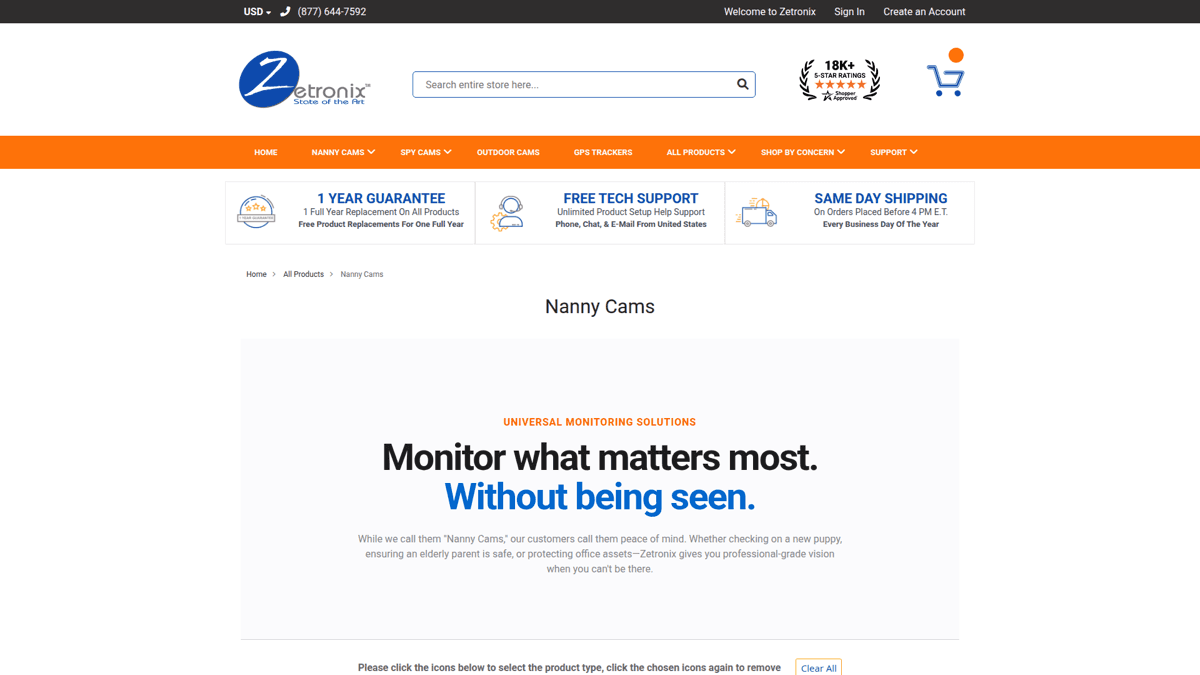
Vidcastive 4K Mini - Best all-around hardware
The Vidcastive 4K Mini ($52) delivers genuine 4K video with a 160-degree wide angle view. The 19-hour battery means it can run a full shift without charging. Night vision up to 26 feet covers dim nursery scenarios.
Storage is local via microSD card (supports up to 256GB). No WiFi required, no cloud subscription. This is as close as hardware gets to SpyCam's offline security model.
The downside: audio quality is decent but degrades with distance. And unlike a Mac, it's another device you need to hide and retrieve for footage review.
Our Verdict
📹Vidcastive 4K Mini
The best portable nanny cam hardware. Genuine 4K, long battery, local storage only.
Best for: Parents who need a dedicated device or don't have a spare Mac
Strengths
- +4K resolution
- +160-degree wide view
- +19-hour battery
- +Night vision (26 feet)
- +256GB microSD support
- +No cloud required
Weaknesses
- −Audio degrades with distance
- −Another device to hide
- −Must retrieve SD card to view footage
- −Battery needs charging
OKSIR USB Charger Camera - Most discreet
If stealth is your priority, the OKSIR USB Charger Camera ($49) looks exactly like a phone charger. Plug it into any outlet and it records. Perfect for "there's literally no way they could find this" scenarios.
The trade-off: 90-degree narrow view angle means you need precise placement. And like all tiny spy cameras, the audio is poor - essentially useless unless someone's standing next to it.
Our Verdict
🔌OKSIR USB Charger Camera
The most discreet hardware option. Looks exactly like a USB charger.
Best for: Parents who need maximum stealth and visual proof only
Strengths
- +Virtually undetectable
- +Always powered (no battery)
- +Motion detection
- +Local storage
Weaknesses
- −Narrow 90-degree view
- −Very poor audio quality
- −1080p only
- −Must retrieve SD card
Blink Mini - Budget pick (with caveats)
The Blink Mini ($35) is Amazon's budget entry. Easy setup, 1080p video, two-way audio, Alexa integration. At $35, it's the cheapest option here.
⚠️ Cloud-dependent and not discreet
The Blink Mini requires WiFi and pushes data through Amazon's servers. It also looks obviously like a camera. Not ideal for parents concerned about hacking or who want truly hidden monitoring.
Our Verdict
📷Blink Mini
Budget hardware option but requires cloud and looks like a camera.
Best for: Parents who don't mind cloud dependence and want obvious monitoring
Strengths
- +Cheapest option ($35)
- +Easy setup
- +Two-way audio
- +Alexa integration
Weaknesses
- −Requires cloud subscription for full features
- −Obviously a camera - not discreet
- −WiFi dependent - hacking risk
- −Amazon handles your footage
Software vs hardware nanny cams: Full comparison
| Feature | SpyCam (Mac) | Vidcastive 4K | USB Charger Cam | Blink Mini |
|---|---|---|---|---|
| Price | $14.99/year | $52 | $49 | $35 + cloud sub |
| Hardware cost | $0 | $52 | $49 | $35 |
| 3-year total cost | $45 | $52+ | $49+ | $215+ |
| Audio quality | ✓ Excellent | ◐ Good | ✗ Poor | ◐ Okay |
| Video resolution | Up to 4K | 4K | 1080p | 1080p |
| Can be hacked | ✗ No (offline) | ✗ No (offline) | ✗ No (offline) | ◐ Possible |
| Cloud required | ✗ No | ✗ No | ✗ No | ✓ Yes |
| Night vision | ✗ No | ✓ Yes (26 ft) | ✗ No | ✓ Yes |
| Auto-arm on leave | ✓ Surveillance Mode | ✗ No | ✗ No | ✗ No |
| Stealth factor | ✓ Looks like Mac | ◐ Small cube | ✓ Charger disguise | ✗ Obvious camera |
| Remote viewing | iCloud Photos | SD card retrieval | SD card retrieval | App/cloud |
| Two-way talk | ✗ No | ✗ No | ✗ No | ✓ Yes |
Nanny cam audio recording: Legal considerations
Recording video in your own home is generally legal. Recording audio is more complicated. States have different laws about audio recording consent.
One-party vs two-party consent states
One-party consent states: Only one person in the conversation needs to know about the recording. If you're the one setting up the camera in your own home, you likely satisfy this requirement. Most states (38+) follow one-party consent.
Two-party consent states: Everyone being recorded must consent. This includes California, Florida, Illinois, and several others. In these states, recording your nanny's voice without their knowledge may violate wiretapping laws.
🔒 Check your state's laws before recording audio
This is not legal advice. Laws vary and change. In two-party consent states (California, Florida, Illinois, etc.), recording audio without all parties' knowledge may be illegal. Consult a local attorney if unsure.
Should you tell your nanny about cameras?
Beyond legality, there's an ethical question. Some parents believe transparency builds trust - "there are cameras in the home" without specifying where. Others argue that undisclosed monitoring catches genuine behavior rather than performance.
One middle ground: mention "security cameras" in the employment agreement. This creates legal protection while maintaining some level of discretion about placement.
Where to place your nanny cam
Living room
This is where most caregiving happens. A Mac on a bookshelf or media console has natural cover. Aim for a view that captures the main play area without obvious angles.
Nursery / kids room
A Mac mini on a dresser or desk provides coverage of the crib and changing area. For hardware cameras, position them high (bookshelf level) pointing down.
Kitchen
Feeding time happens here. A Mac on the counter or a USB charger camera in an outlet covers meal prep and feeding areas.
Avoid: Bathrooms and private areas where anyone changes clothes. This crosses legal and ethical lines regardless of intent.
Summary
The nanny cam market is full of cheap WiFi gadgets that can be hacked and produce terrible audio. The best option for most parents is one they already own: their Mac.
SpyCam gives you:
- Zero hacking risk - works completely offline
- Crystal-clear audio - Mac's FaceTime-quality microphone
- Surveillance Mode - auto-arms when you leave
- True stealth - looks like a normal Mac, 30+ disguise icons
- No ongoing hardware cost - uses what you already have
For $14.99/year (or $44.99 lifetime), you get professional-grade nanny monitoring without suspicious gadgets, cloud subscriptions, or security vulnerabilities. Your baby deserves better than a crackling $50 spy camera.